
How to unlock an account after too many failed login attempts
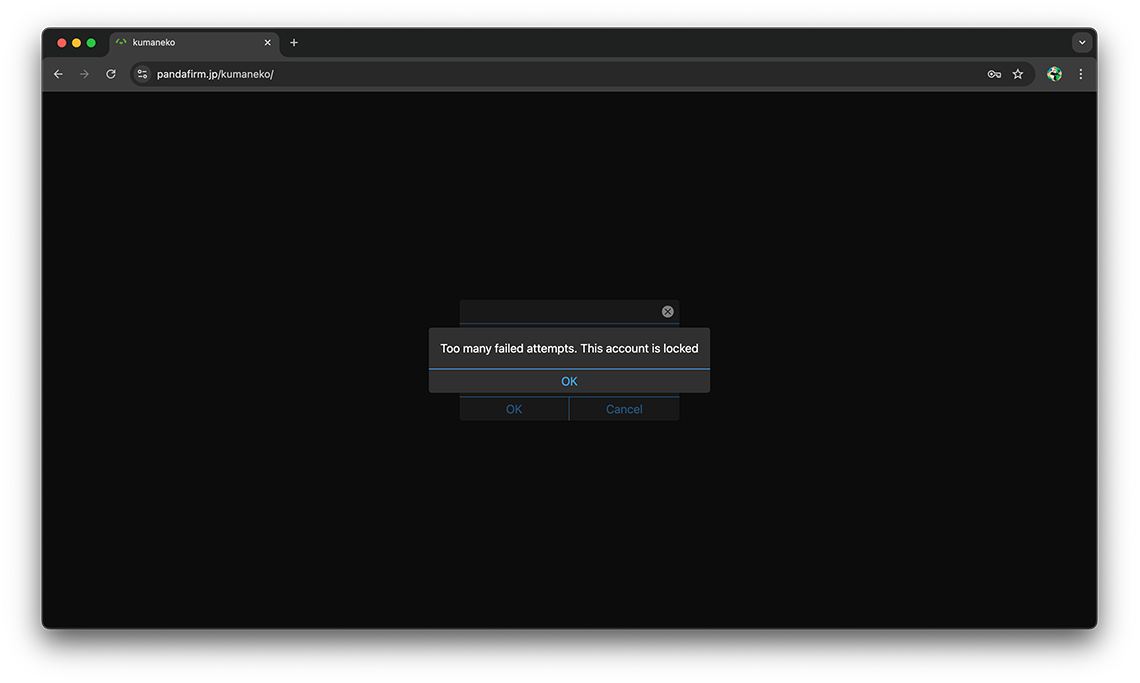
kumaneko automatically locks an account after 3 consecutive failed login attempts on that same account, in order to protect against unauthorized login attempts. This can also happen if you simply mistype your own password several times in a row.
Once an account is locked, you will not be able to log in even with the correct password. To unlock it, you need to run unlock.php on the server.
How to run unlock.php
unlock.php is located inside the "api" directory, within the directory where kumaneko was uploaded.
This must be run from the command line, not from a web browser. If kumaneko is hosted on a rental server, connect to the server via SSH or similar. If you are running kumaneko on your own PC, you can run it directly from Command Prompt or a terminal on that PC.
Move into the directory containing unlock.php, then run the following command with the name of the locked account.
php unlock.php --account=the locked account name
You will be prompted for a password. Enter the login password already set for the locked account itself.
If the password is correct, the account will be unlocked and you will be able to log in normally again.
The following is a sample of what the screen may look like. The actual output will vary depending on your server environment (OS version, directory structure, etc.).
System information as of Tue Jul 28 13:12:49 JST 2026

  System load: 0.0 Processes: 182
  Usage of /: 7.0% of 192.83GB Users logged in: 0
  Memory usage: 17% IPv4 address for ens3: [IP]
  Swap usage: 0%

 * Ubuntu [version] LTS Focal Fossa has reached its end of standard support
   on 31 May 2025.

   For more details see:
   https://ubuntu.com/[version]

Expanded Security Maintenance for Infrastructure is not enabled.

0 updates can be applied immediately.

203 additional security updates can be applied with ESM Infra.
Learn more about enabling ESM Infra service for Ubuntu [version] at
https://ubuntu.com/[version]

New release [xxxxxxxx] available.
Run 'do-release-upgrade' to upgrade to it.


Last login: Tue Jul 28 13:02:03 2026 from [IP]
[user]@[host]:~$ cd [directory where kumaneko is installed]/api
[user]@[host]:/api$ php unlock.php --account=[account]
Password for '[account]':
Account '[account]' has been unlocked.
[user]@[host]:/api$
Checking which accounts are currently locked
If you are not sure which account is locked, you can check the full list with the following command.
php unlock.php --list
For each locked account, this shows the time of the last attempt, the IP address it came from, and the User-Agent. If you see repeated attempts from an unfamiliar IP address or User-Agent, this may indicate an unauthorized login attempt by a third party, so please check this information as well.